
We’ve all been there—a cousin’s wedding is around the corner, or your best friend’s birthday is just two days away, and you have zero clue what to buy. You don’t want to give cash because it feels awkward, but buying a random shirt that might not fit feels risky too.
This is exactly where the Flipkart Gift Card comes in as a lifesaver.
Whether you just received one from your office as a festival bonus or you’re planning to buy one for someone special, this guide breaks down everything you need to know in simple, everyday language.
What Exactly is a Flipkart Gift Card?
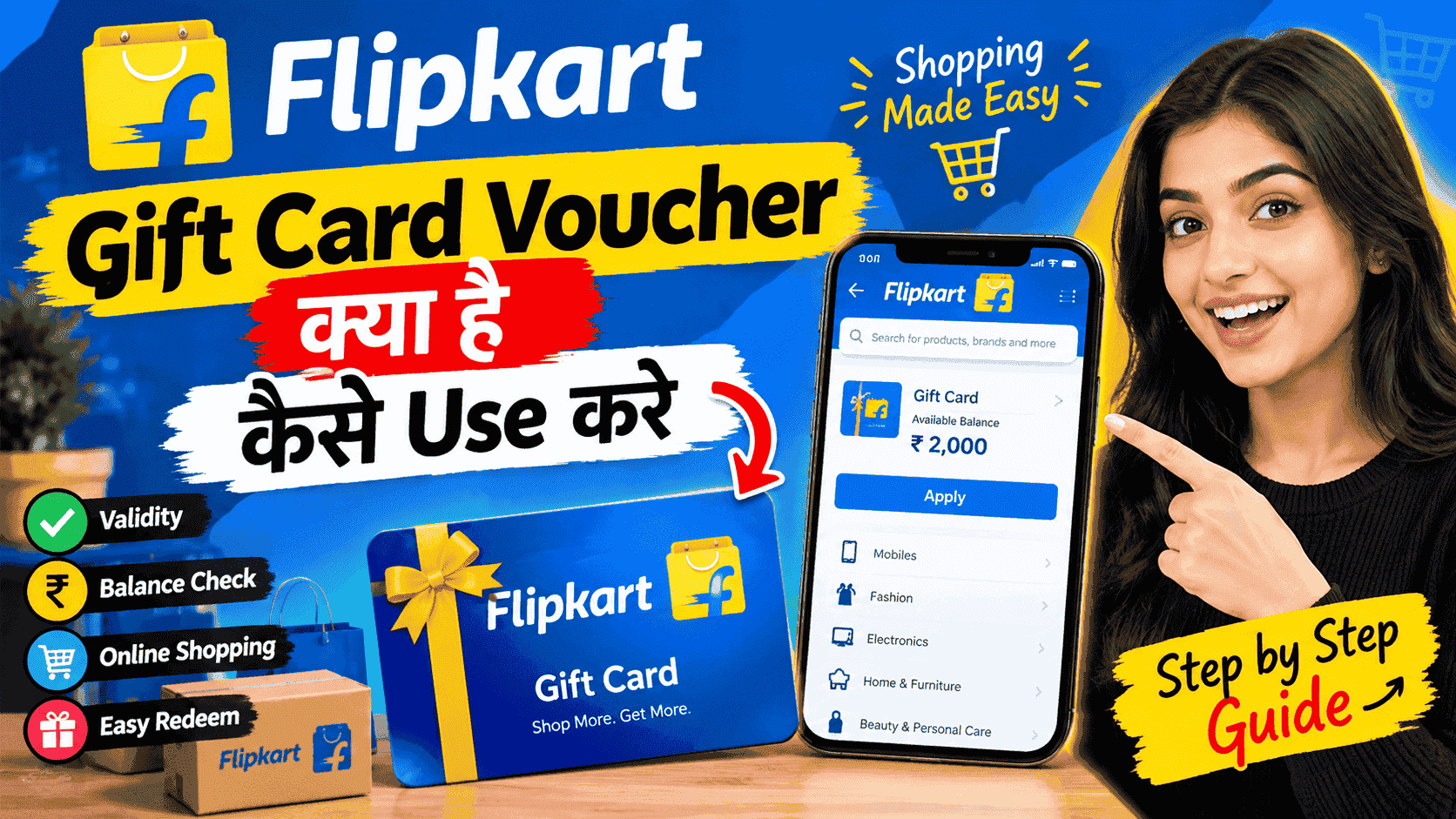
Think of a Flipkart Gift Card as a digital prepaid card pre-loaded with money. Instead of carrying a physical card, you get a 16-digit Card Number along with a 6-digit PIN sent straight to your email or SMS.
When you add this card to your Flipkart account, the value gets stored in your wallet as Gift Card Balance. From that point on, shopping feels practically instant—no need to wait for OTPs or fumble with debit card details at checkout.
Why Should You Care? (Key Benefits)
- No More Bad Gifts:Instead of guessing what someone wants, you give them the freedom to pick whatever they actually need.
- Lightning-Fast Checkout: Since the money sits directly in your Flipkart balance, you can check out within seconds during high-demand sales like Big Billion Days.
- Easy Budgeting: If you tend to overspend while shopping online, loading a fixed amount into a gift card helps keep your monthly budget intact.
- Awesome Discounts: Many banking apps, reward programs, and UPI platforms offer 2% to 10% instant discounts when you purchase Flipkart Gift Cards through them.
How to Use a Flipkart Gift Card (2 Simple Ways)
Using your gift card is super straightforward. You can either save it in your account beforehand or redeem it directly during checkout.
Method 1: Save It in Your Flipkart App (Recommended)
Saving it in advance saves you time later:
- Open the Flipkart App on your phone and tap on the Account tab at the bottom.
- Scroll down and select Saved Cards & Wallet (or Flipkart Pay Later / Wallet).
- Tap on the Add Flipkart Gift Card option.
- Type in your 16-digit Card Number and 6-digit PIN.
- Hit Apply.
The funds will immediately show up in your Gift Card Balance and stay there until you spend them.
Method 2: Redeem Directly at Checkout
If you are already at the payment page:
- Select your items and proceed to the Payment screen.
- Under payment options, select Gift Card.
- Enter your Card Number and PIN.
- Click Apply.
Note: If your order total exceeds your gift card balance, you can easily pay the remaining amount using UPI, Debit Card, or Net Banking.
Important Exclusions: What You Cannot Buy
To keep things transparent, Flipkart has set a couple of ground rules:
- You cannot use a Flipkart Gift Card to buy another Gift Card (like Google Play codes or other brand vouchers).
- You cannot transfer the balance to your bank account or use it to pay off credit card bills.
Important Rules You Should Know
- 1-Year Validity: Most Flipkart Gift Cards are valid for 12 months from the date of issue. Make sure to use the balance before it expires.
- Partial Payments Allowed: You don’t have to spend the full amount at once. If you have a ₹2,000 card and buy something for ₹800, the remaining ₹1,200 stays safely in your account for your next purchase.
- Stacking Cards: You can use multiple gift cards (up to 15) for a single order if you are making a big purchase.
Final Thoughts
A Flipkart Gift Card takes the headache out of gifting and makes online shopping smoother and faster. It is practical, safe, and gives the user complete freedom over what they want to buy.
If you have an unredeemed gift card sitting in your inbox, go ahead, add it to your account today, and treat yourself to s omething nice.